
Micro podcast MV7+ - Những câu hỏi thường gặp
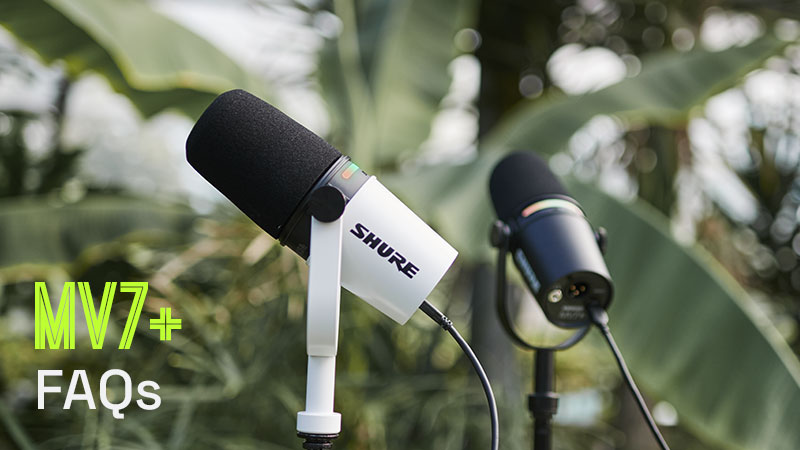
Đương nhiên là được! Micro podcast MV7+ tương thích với hầu hết điện thoại thông minh và máy tính bảng. MV7+ được chứng nhận MFi. Bạn có thể truy cập các tính năng bằng ứng dụng di động MOTIV dành cho Android và iOS.
2. Tôi có thể sử dụng MV7+ với các máy chơi game như Xbox hay PlayStation không?
Điều này phụ thuộc vào máy chơi game bạn dùng. MV7+ là thiết bị USB Class 2 và sẽ hoạt động với các bảng điều khiển tương thích. Rất tiếc, một máy chơi game như Sony PlayStation chỉ hỗ trợ các thiết bị Class 1.
3. Tôi có thể sử dụng MV7+ với iPad USB-C không?
Được nhé! MV7+ hoàn toàn tương thích với iPad có cổng USB-C.
4. Làm cách nào để thay đổi màu của bảng cảm ứng LED của micro MV7+?
Tải xuống app MOTIV Mix™ Desktop và kết nối với MV7+ của bạn qua cổng USB-C. Trong ứng dụng, bạn sẽ có thể định cấu hình màu đèn LED và các điều khiển nâng cao khác. Hãy cập nhật firmware mới nhất cho MV7+ để sử dụng tất cả các tính năng mới này!
5. Tôi có thể kết nối hai hoặc nhiều micro MV7+ với máy tính của mình qua USB-C không?
Có, mỗi MV7+ có thể được kết nối với máy tính bằng kết nối USB-C riêng. Tuy nhiên, một số Máy trạm âm thanh kỹ thuật số (DAW) không hỗ trợ sử dụng nhiều thiết bị USB cùng một lúc. MOTIV Mix, Streamlabs và OBS là những phần mềm có thể hỗ trợ nhiều micro MV7+ cùng một lúc.
6. Sự khác biệt chủ yếu giữa kết nối MV7+ với máy tính qua XLR so với qua USB là gì?
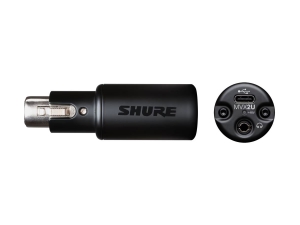
Kết nối với PC qua XLR sẽ yêu cầu giao diện âm thanh analog-to-digital như Shure MVX2U. Khi được kết nối qua cổng XLR, bảng đèn LED MV7+ sẽ không sáng và chức năng Tắt tiếng không được hỗ trợ. Ngoài ra, tín hiệu âm thanh XLR sẽ không sử dụng được bất kỳ DSP nào (ví dụ: không có Chế độ tự động điều chỉnh, Nút chặn Popper kỹ thuật số, Bộ khử nhiễu thời gian thực hoặc Reverb).
Theo Shure
Sản phẩm liên quan
Mới
Mới